How to Export Email Leads to CSV Without the Stack
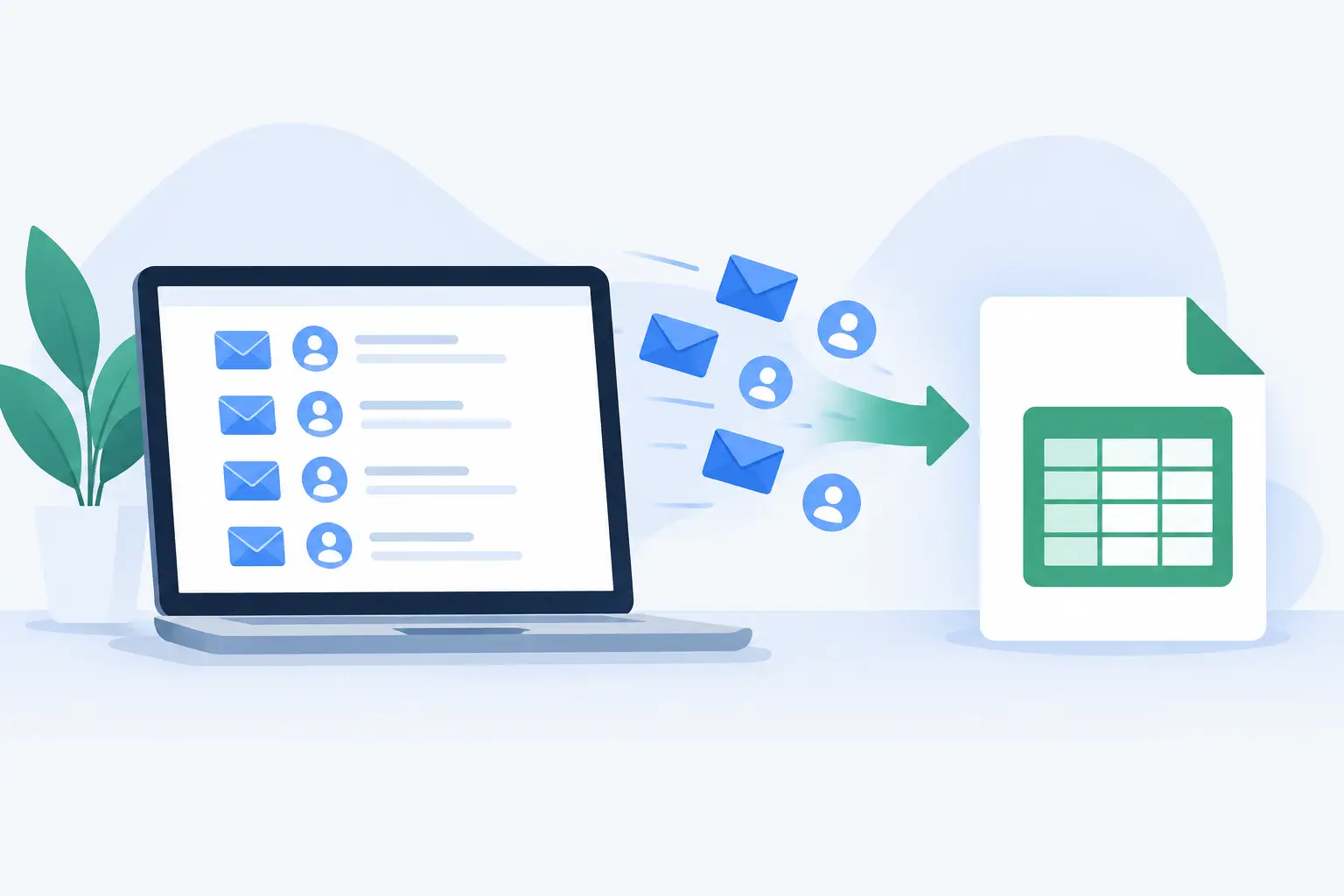
A lead list is only useful when you can take it with you. Export email leads to CSV when you need to send a welcome email, segment contacts, review campaign performance, or move your audience into the tool you already use.
That should take seconds. It should not require a funnel builder, a developer, or a chain of integrations held together by trial periods.
For creators and lean teams, CSV export is the bridge between attention and ownership. Your video, post, guide, or resource earns the click. Your lead magnet collects the email. The CSV gives you a clean, portable record of the people who raised their hand.
Why CSV export still matters
A CSV is a simple spreadsheet file. It works with email platforms, CRMs, spreadsheets, reporting tools, and most databases. That is its advantage. You are not locked into one marketing system just because that is where a subscriber first opted in.
This matters most when your work changes shape. Maybe you start with a weekly newsletter, then add a course. Maybe a client project needs a separate email sequence. Maybe your current email provider no longer fits. A downloadable lead file keeps your audience portable.
It also creates a useful operating rhythm. Publish a resource. Share the link where people already find you. Collect opt-ins. Export the list when it is time to act. No need to engineer a giant funnel before you have something worth sharing.
Export email leads to CSV at the right moment
There is no universal export schedule. It depends on how you communicate and where the list is going next.
If you send a newsletter every week, export before each send or sync your new leads into the platform you use for email. If you run a short campaign around a workshop, product launch, or consultation offer, export after the promotion ends so you can tag and follow up with that specific group. If you are still validating an idea, a monthly export may be enough.
The mistake is treating exports as housekeeping you will get to later. Old leads cool off. Context disappears. You forget which resource brought them in and what promise they responded to.
Export while the source is still clear. If your guide was called “The One-Page Content Plan,” keep that context with the file or add it as a tag after import. The lead did not just give you an email address. They showed interest in a particular outcome.
Write, publish, collect, export
The cleanest lead-generation workflow starts with publishing, not software setup.
Write a resource people actually want
A lead magnet does not need to be a 40-page ebook. Often, the best resource is a focused shortcut: a checklist, template, swipe file, lesson plan, client intake guide, or curated list of tools.
Make the promise specific. “Content ideas” is broad. “30 hooks for consultants who hate posting every day” tells the right person why they should opt in. Relevance beats volume.
Publish one page and share the link
Your resource needs a home where someone can understand the value quickly and enter an email address to access it. Share that link in your YouTube descriptions, social bios, pinned posts, podcast show notes, community posts, and direct messages when it is relevant.
This is where most bloated lead stacks lose people. They turn a simple publishing task into pages of settings, automations, forms, domains, delivery rules, and integrations. That may be justified for a large campaign with many branches. It is usually overkill for a creator publishing useful material consistently.
Sublead.io keeps the workflow close to the work: create the resource page, publish it, collect emails, then download the list when you need it.
Export and put the file to work
Once you download your CSV, open it before importing it anywhere. Confirm the columns are clear, the email addresses are present, and the file is associated with the right resource or campaign.
Then import it into the destination that matches the next action. That could be your email platform for a welcome sequence, your CRM for a consulting follow-up, or a spreadsheet for a quick review of growth by resource.
A CSV is not the end of the process. It is the handoff. The next step should be obvious: email these people, analyze this campaign, or organize this audience.
Clean the file before you import it
Do not overcomplicate list hygiene, but do take two minutes to inspect the export. Small checks prevent messy records later.
First, look for duplicate addresses. Most email platforms can handle duplicates, but importing the same person repeatedly makes reporting less useful. Next, check obvious typos and blank rows. Finally, make sure you know the source of each group of contacts.
If your export contains only email addresses, add context during import with a tag such as “lead magnet - creator content checklist” or “webinar - September.” If it contains names or signup dates, preserve those fields. They can help you personalize your first message and understand when interest started.
Avoid changing email addresses manually unless the correction is unmistakable and you have a legitimate reason to make it. Guessing at a typo can send someone else’s address an email they never requested.
Import without losing consent context
CSV portability is useful, but it does not erase your responsibility to email people appropriately. Import contacts only into systems where you can keep the signup source and honor unsubscribe requests.
Your first email should make the connection clear. Remind people what they requested and where they signed up. A vague “You are receiving this because you subscribed” is technically familiar but weak. A better approach is direct: “You requested the client proposal template. Here it is, plus one way to use it this week.”
This is good list practice and good audience practice. People are more likely to engage when the message follows naturally from the resource that earned their email.
It also helps to separate lead magnets by intent. Someone who downloads a pricing worksheet may be closer to buying a consulting service than someone who downloads a broad list of content prompts. You can keep one audience without treating every subscriber as identical.
When a spreadsheet is enough
Not every exported list needs to go straight into an email automation platform. For a small test, a spreadsheet can be the right place to start.
Use it to see which resources attract the most leads, compare signup dates, and identify what topics create real demand. If 80 people request a template and 12 request a general guide, that is a signal. Build more around the problem people are already asking you to solve.
A spreadsheet is also useful when you are collecting leads for a selective offer, such as a beta group, consulting waitlist, or live cohort. You may want to review responses personally before adding anyone to a broader sequence.
The trade-off is scale. Manual follow-up works for a small group. Once you are regularly collecting leads, move them into an email tool that can manage unsubscribes, delivery, and segmentation properly. Keep the workflow simple, but do not create a process that depends on remembering every step.
Make every export easier to use
The best CSV export is not just a file full of addresses. It is a file you can understand at a glance.
Name files consistently. Include the resource or campaign name and the export date. For example, “proposal-template-leads-2026-09-26.csv” is more useful than “contacts-final-new.csv.” Six months from now, you will know exactly what it contains.
Keep one source of truth for active subscribers after import. Downloaded files are snapshots, not living lists. If someone unsubscribes in your email platform, do not re-upload an old CSV later without checking for suppression rules. That is how avoidable mistakes happen.
Most of all, keep publishing. A CSV export gives you control, but the list grows because you keep making useful things and putting them in front of the right people. Make the next resource clear enough to share today, then let the leads collect.