How a Resource Page With Email Opt In Works
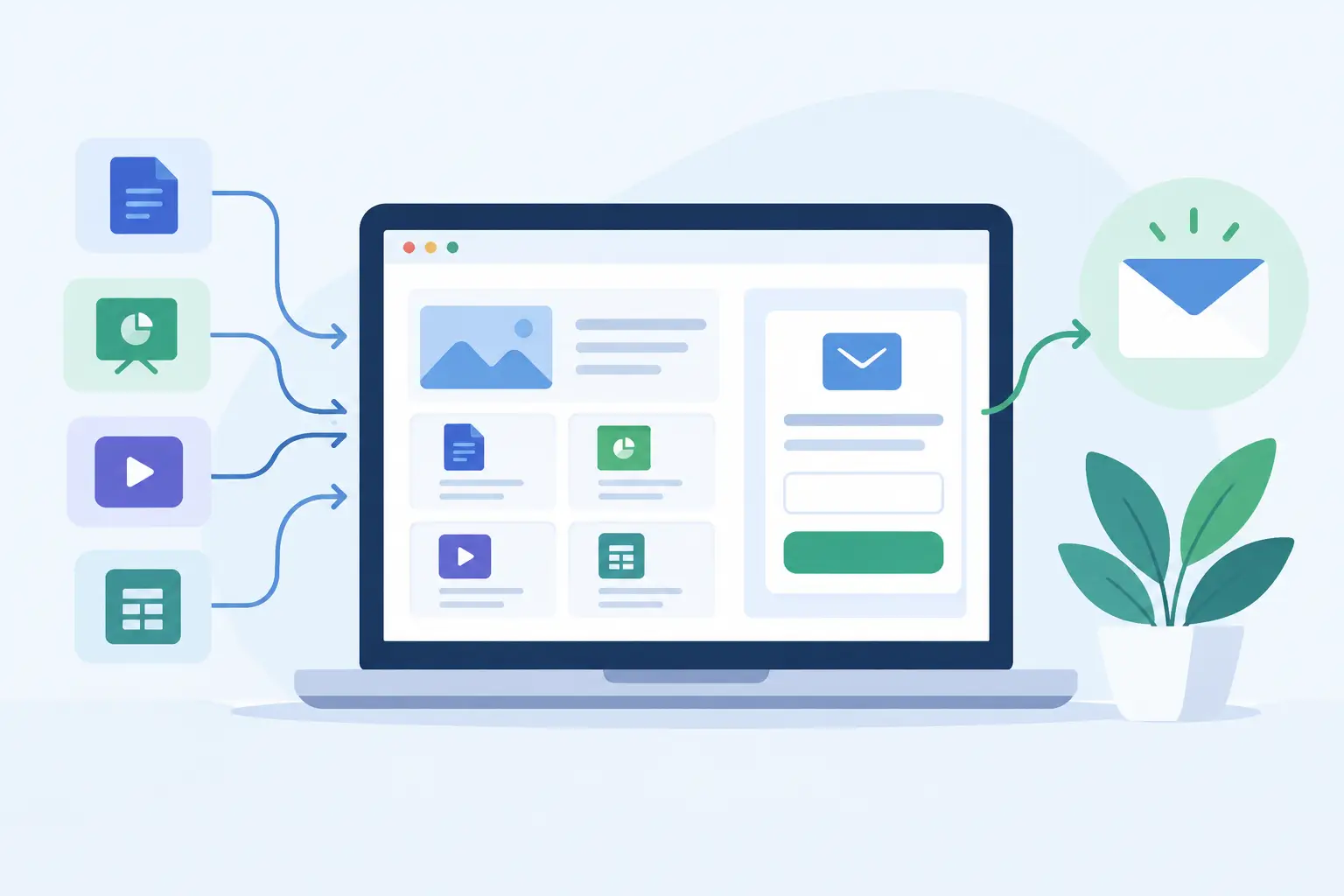
A resource page with email opt in turns the content you already share into a direct path to your email list. Instead of sending people to a generic homepage, a messy file folder, or a full-blown funnel, give them one useful page and one clear next step: enter an email address to access it.
That is the whole job. Make something worth saving. Publish it. Share the link. Collect the people who want more.
For creators, consultants, educators, and lean marketing teams, this approach works because it matches how audiences actually find you. A person watches a video, reads a post, hears you on a podcast, or gets a recommendation. They want the template, checklist, examples, or curated resources you mentioned. A focused resource page meets that intent without making them navigate a marketing maze.
What a Resource Page With Email Opt In Should Do
A good resource page does not need to persuade someone to buy. It needs to make a small, credible promise and fulfill it.
The best pages answer three questions quickly: What is this? Who is it for? What will I get after I sign up? If a visitor can answer those in a few seconds, the opt-in feels like a fair exchange rather than a toll booth.
Think of the page as a compact piece of publishing, not a landing-page project. It can hold a guide, a list of tools, a set of examples, a video collection, a template, a reading list, or supporting materials for a larger piece of content. The resource itself is the reason to subscribe.
This matters because attention is not the same as access. A post may get views. A video may get comments. But unless people choose to give you a contact detail, you are borrowing that audience from an algorithm or platform. An email address gives you a way to follow up when your next resource, offer, or idea is ready.
Start With a Specific Content Promise
Broad resources tend to produce weak opt-ins. “My best business tips” is vague. “The 12-email welcome sequence for a new coaching offer” is concrete. Specificity tells visitors whether the resource is meant for them, and it makes the decision easier.
Start with the content you already create. If you publish YouTube videos, turn the supporting notes into a resource page. If you teach workshops, collect the worksheets, prompts, and follow-up materials in one place. If you consult, create a short diagnostic checklist based on the questions clients ask before they hire you.
The resource does not have to be long. It has to be useful at the moment someone encounters it. A one-page checklist can outperform a 40-page ebook when it solves an immediate problem with less effort.
A practical test: would someone be comfortable giving you their email to avoid recreating this themselves? If the answer is no, improve the resource before adding more copy to the page.
Write the Page Like a Helpful Introduction
Your page needs a clear cover or headline, a short description, and the materials behind the opt-in. Keep the copy close to the content. Do not add inflated claims just because there is a form on the page.
Lead with the outcome. A budgeting coach might write, “Build a first-month budget in 20 minutes.” A designer might offer, “Use this client handoff checklist before you send final files.” A newsletter operator might share, “Get the source list behind this week’s edition.”
Then explain what is included in plain language. Mention the format when it helps: a worksheet, set of links, swipe file, tracker, or collection of examples. Visitors should not have to guess whether they are signing up for a PDF, a document, a video library, or an ongoing newsletter.
Your email field should also be framed honestly. If subscribers will receive future emails, say so. If the page only grants access and you plan to send occasional updates, say that. Clear expectations improve list quality. A smaller list of people who recognize your name is more valuable than a larger list built on confusion.
Publish Before You Overbuild
The usual lead-generation stack asks you to make too many decisions before you can share anything. Pick a page builder. Connect a form. Set up an automation. Host the file. Configure delivery. Test the integration. Then repeat the process when your next resource is ready.
That workflow is sensible for a complex launch with multiple segments, paid traffic, and a sales team. It is often excessive for a creator sharing a useful resource below a video.
A simpler workflow is better when speed and consistency matter more than elaborate routing. Write the resource page. Publish it. Use the resulting link wherever your audience already pays attention.
Sublead.io is built around that model. It lets you create a resource page, publish it as a shareable link, collect email addresses in one place, and export contacts as a CSV when you need them. No delivery plumbing. No funnel-builder detour.
The trade-off is straightforward. A lightweight page is not meant to replace a full marketing automation system for every business. If you need branching campaigns, advanced scoring, complex integrations, or different content for dozens of audience segments, dedicated automation may be worth the setup. But for most content-led opt-ins, the fastest useful page is usually the one that gets published.
Put the Link Where Intent Already Exists
A resource page performs best when it is connected to a relevant piece of content. Do not treat it as a standalone asset that people must discover by accident.
If you publish a video about pricing, share a pricing worksheet in the description. If a LinkedIn post covers a process, offer the full checklist in the comments or your profile. If a podcast episode teaches a framework, give listeners the visual version. If you send a newsletter, link to a companion resource readers can save and revisit.
The match between the source content and the resource matters more than volume. Someone who just watched a tutorial on creating a client proposal is much more likely to opt in for a proposal template than for a generic “free resources” page.
Use the same principle in your social bio. One broad resource can work there if it introduces your best starting point, but topic-specific links usually convert better when they sit next to the content that created the interest.
Collect Leads Without Losing Context
An email address alone is useful. Context makes it more useful.
Keep track of which resource brought in each group of subscribers. A person who signs up for a freelance onboarding checklist may care about client operations. Someone who joins through a lesson-plan bundle may care about curriculum design. Their first opt-in tells you what they raised their hand for.
You do not need a complicated tagging system to benefit from this. Start by naming your resources clearly and keeping their leads organized. When you export contacts, you should be able to see which topic brought them to you. That makes future follow-up more relevant.
For example, after sharing a resource page for a few weeks, you might send one short email that asks a practical question: “What part of this process takes the longest?” The replies can shape your next resource, your next video, or your next offer.
This is where a resource page becomes more than a list-building tool. It becomes a lightweight research loop. Your audience tells you what they need by choosing what they request.
Improve the Resource, Not Just the Conversion Rate
When a page underperforms, it is tempting to change button colors, rewrite form labels, or add more urgency. Those changes can help at the margins. They cannot rescue a resource that lacks a clear job.
Look first at the promise. Is it specific? Is the resource easy to understand? Does it directly extend the content that sends people there? Is the audience likely to need it now, rather than someday?
Also check the friction. Asking only for an email is often enough for an early-stage lead magnet. Adding a phone number, company size, budget, and job title may make sense for a high-touch B2B sales process. For a creator resource, it usually asks too much too soon.
Consistency beats a perfect first page. Publish one resource. Notice what people choose. Make the next resource closer to the questions they already have. Over time, your email list becomes a record of topics your audience values enough to request.
Write the useful thing people came for. Put it behind a simple opt-in. Then keep publishing things worth coming back for.